
Notifications
Notifications in TEQ
TEQ automatically sends both email and SMS notifications to customers and drivers, ensuring all parties stay informed throughout the trip process. These automated messages cover updates, changes, confirmations, and post-trip feedback requests, helping you maintain smooth communication and a professional customer experience.
Customer Emails
You can view and customize all customer-facing emails directly in TEQ.
Step 1: Access Email Templates
- Go to Settings → Company → Billing Profile
- Click Customize Templates
Here you can edit:
- 📧 Emails — quotations, confirmations, driver info updates
- 📝 Pages — branded communication pages
- 📄 PDFs — documents like quotations and invoices
Customer SMS Notifications
TEQ automatically sends SMS messages to the customer’s Point of Contact (POC) for live trip updates. These ensure the customer knows exactly what is happening before, during, and after their journey.
Customer SMS types:
- 🚐 Driver Information
Sent when a driver is assigned or updated. - 🗺 Trip Started
Sent when the driver departs for pickup, including a live map tracking link. - 📊 Customer Survey
Sent after the trip is completed, allowing the customer to provide feedback.
These messages increase transparency and reduce inbound customer questions.
Driver SMS Notifications
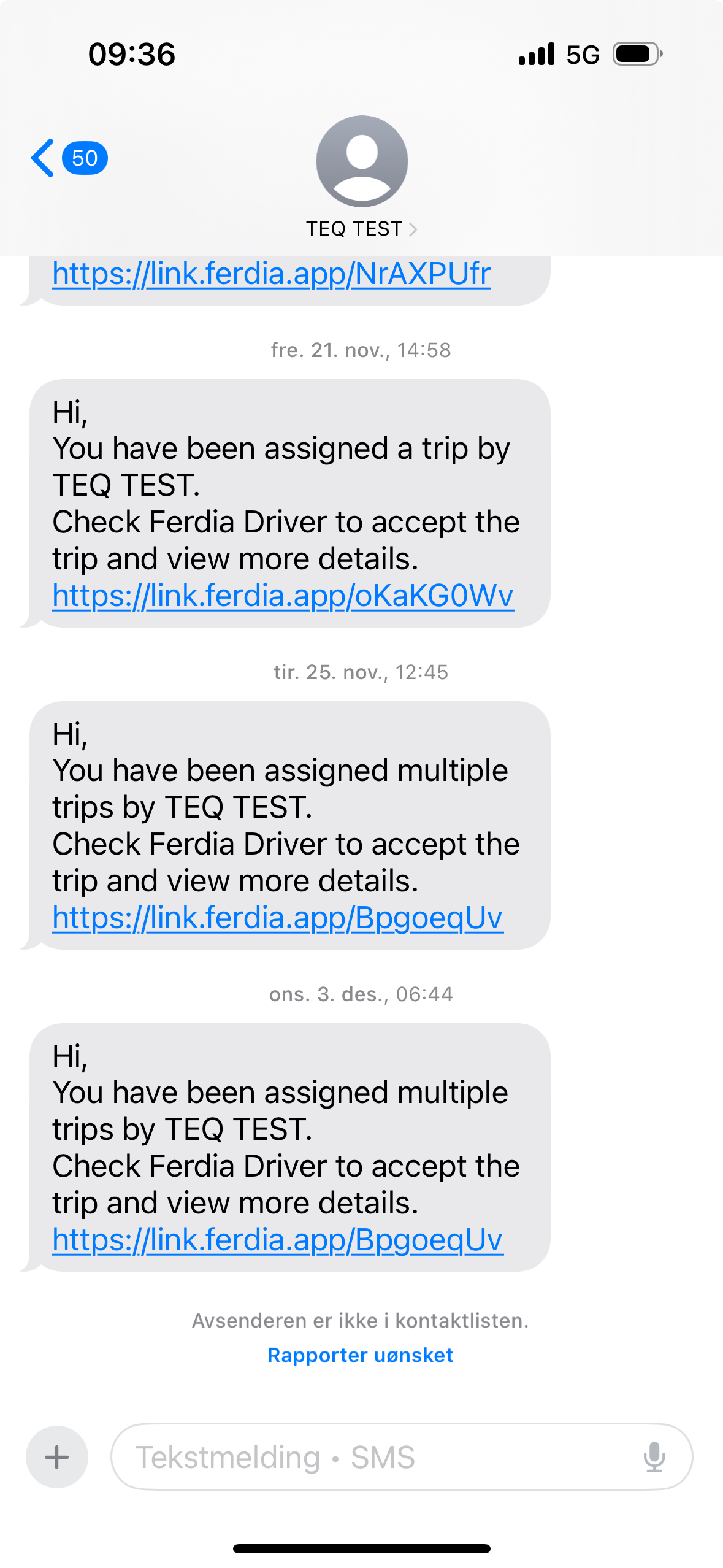
Drivers also receive automated SMS messages whenever their assigned trips or mission details change. These notifications keep drivers aware of updates even if they are not actively in the Ferdia Driver App.
Driver SMS types:
- ❌ Cancelled trip(s)
- 🕒 Updated normal trip mission times
- 🚍 Updated trip with bus availability mission times
- 📅 Updated fixed trip mission times
- 🧾 Assigned one trip / multiple trips
- 🚫 Unassigned from a trip
- 🔄 Bus changed
- 📍 Location changed
- 💬 Comment to driver updated
- 👥 PAX count changed
- 🧩 Generic SMS template updated
💡 Tip: Ensure each driver has a valid phone number
🛠 Troubleshooting
Customer not receiving emails
- Ensure the correct customer email is saved in Sales → Customers → Contact Persons
- Check that you’re editing the correct Business Profile templates
- Ask the customer to check spam/junk folder
Customer not receiving SMS
- Confirm the POC has a valid mobile number
- Ensure the trip is Active and properly assigned
- SMS delivery may depend on regional telecom rules
Driver not receiving SMS updates
- Verify the driver’s phone number in HR → Employees
- Ensure the driver is assigned to the trip in TEQ
Email templates not updating
- Make sure you clicked Save after editing
- Use Preview to verify the final layout
- Clear your browser cache if old templates appear
Still having trouble?
- Contact TEQ Support